


Automatic Door Keeps Operating Continuously Without Anyone Passing Through: Causes to Check
An automatic door that keeps opening and closing even when no one is passing through can increase the operating frequency of the motor, accelerate component wear, and affect the user experience. Let’s explore with Thuy Linh Long the common causes and the areas that should be checked to accurately identify the problem.
1. Check the Door Sensors and Detection Area
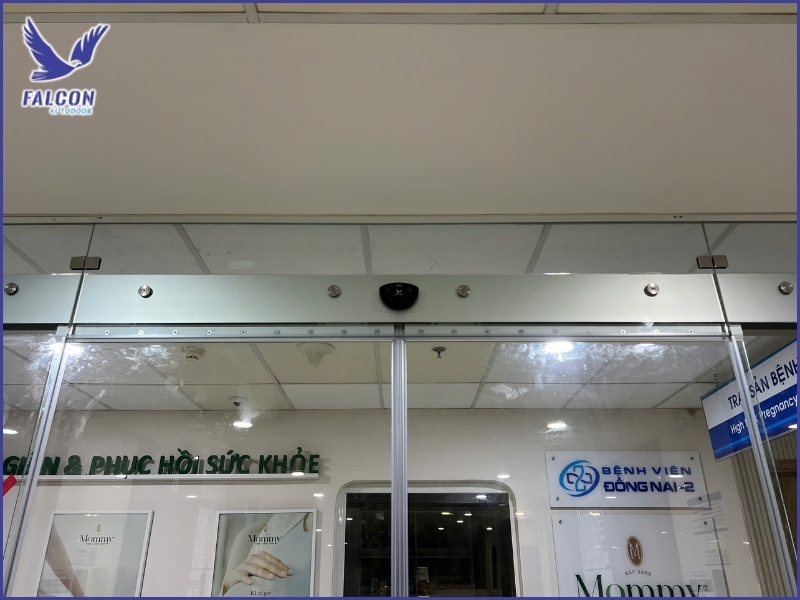
The sensors are one of the first components to check when an automatic door keeps opening and closing even when no one is present, as they detect movement and send signals to the controller. Therefore, even a dirty or misaligned sensor or an improperly configured detection area can cause the door to continuously receive activation signals.
1.1 Sensors Covered by Dust or Obstructed
Dust, cobwebs, or objects placed in front of the sensors can affect their detection capability and cause inaccurate responses, so the sensor surface and surrounding area should be cleaned and inspected to ensure that no objects are blocking or interfering with the detection zone.
1.2 Detection Area Set Too Wide or Sensitivity Too High
If the detection range is configured too widely or the sensor sensitivity is set too high, movements outside the main passageway may also activate the door, causing it to repeatedly open and close even when no one is standing directly in front of it. The settings should therefore be checked and adjusted according to actual site conditions.
1.3 Misaligned Sensors
During use, sensors can shift due to vibration, impact, or external factors, changing the scanning direction and causing the detection area to differ from the original settings. Therefore, the installation position should be checked and the sensors realigned if they are no longer directed toward the intended detection area.
1.4 Light Sources or Objects Interfering with the Sensors
Lighting, direct sunlight, shadows, or moving objects near the door can affect certain types of sensors and generate unwanted activation signals, so the surrounding environment should be observed to determine whether the problem is caused by an external factor rather than a direct fault in the door system.
2. Check External Factors That Cause the Door to Activate Continuously
Not every case of an automatic door operating continuously is caused by an internal system fault, as movements, objects, or environmental conditions around the door may also fall within the sensor detection area and cause repeated opening signals. Therefore, the entire area should be inspected before making adjustments to the equipment.
2.1 Moving Objects Near the Door
Objects that move frequently, such as plants, curtains, other doors, or people passing through nearby areas, may enter the sensor detection range, causing the door to interpret them as approaching users and repeatedly perform opening and closing cycles even when the main passageway is empty.
2.2 Wind Moving Curtains, Advertising Signs, or Other Objects
In open or well-ventilated areas, wind can cause curtains, hanging signs, banners, or lightweight objects to move continuously in front of the sensors, creating repeated activation signals. These objects should therefore be secured or moved outside the scanning area to determine whether the problem improves.
2.3 Waiting Areas or Walkways Within the Detection Zone
If a waiting area, reception desk, or adjacent walkway is located too close to the detection zone, movements by people in these areas may cause the door to receive repeated signals even though they do not intend to pass through. The sensor scanning direction and detection range should therefore be reviewed to prevent false detection.
2.4 Changes in Temperature and Environmental Conditions
Certain types of sensors can be affected by environmental conditions such as direct sunlight, hot or cold air currents, or temperature changes in the installation area. Therefore, if the door begins operating abnormally at certain times of the day, changes in the surrounding environment should be checked to identify the influencing factor.
3. Check the Controller and Related Equipment
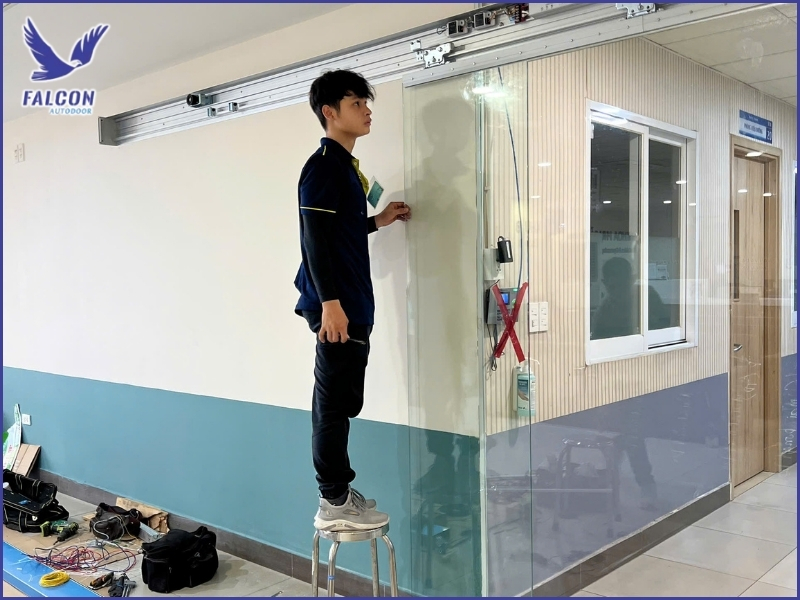
If sensor-related causes and external factors have been ruled out but the door continues to open and close repeatedly, the controller, activation devices, and signal transmission lines should be inspected, as connection faults or inappropriate settings can cause the system to continuously receive opening commands even when no one is passing through.
3.1 Faulty Push Buttons or Activation Devices
Push buttons, switches, remote controls, or other activation devices can cause the automatic door to receive unintended opening commands if they become stuck, short-circuited, or continuously transmit signals. Each input device should therefore be checked individually to identify the source of the abnormal signal before proceeding with further troubleshooting.
3.2 Controller Receiving Abnormal Signals
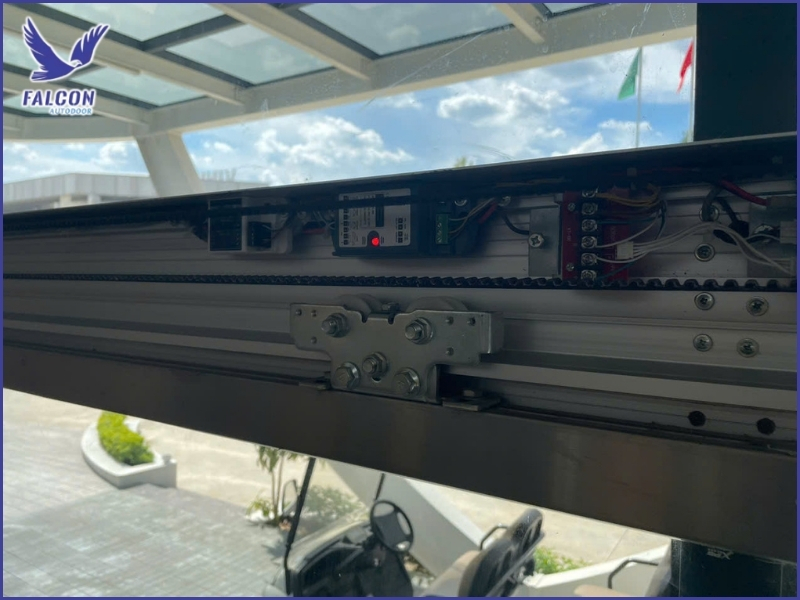
The controller is responsible for receiving and processing signals from sensors and related devices, so if it operates unstably, the door may continuously receive opening commands or fail to complete the closing cycle correctly, particularly when the abnormal behavior occurs even though the sensors and surrounding environment appear normal.
3.3 Signal Wires and Connections Between Components
Loose signal wires, hidden breaks, short circuits, or poor connections can cause unstable signal transmission to the controller, resulting in erratic door operation. Therefore, the relevant connectors and wiring should be inspected to rule out possible connection problems.
3.4 Inappropriate Operating Mode Settings
Some automatic door systems have multiple operating modes and control parameters, so if the automatic mode, hold-open time, or activation settings are configured incorrectly for the actual requirements, the door may operate continuously or fail to return to standby mode normally. The configuration should therefore be reviewed before replacing any components.
4. How to Handle an Automatic Door That Keeps Operating Continuously
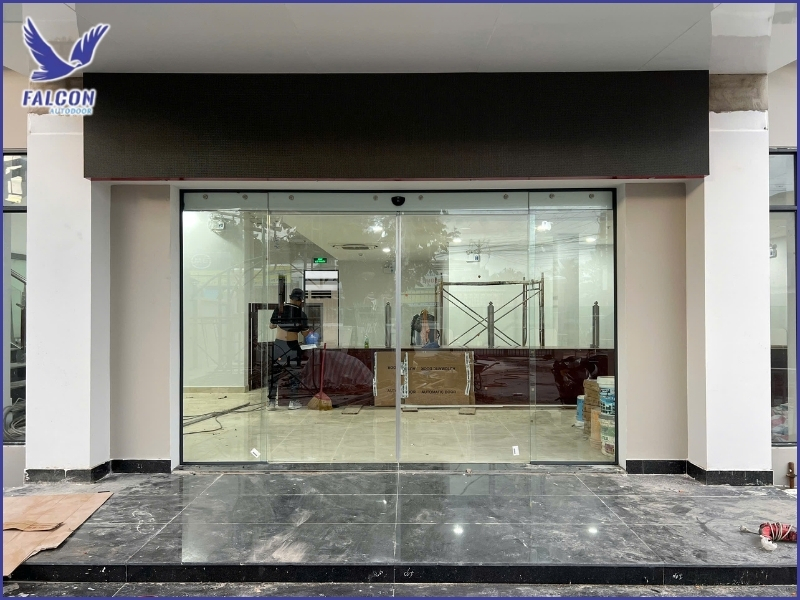
When an automatic door repeatedly opens and closes even though no one is passing through, components should not be replaced immediately. Instead, the system should be checked step by step, starting with the sensors and surrounding area before moving on to the controller and signal wiring, allowing the actual cause to be identified and an appropriate solution selected while avoiding unnecessary costs.
4.1 Clean and Recheck the Sensors
First, clean the sensor surfaces, check their installation positions, and observe the detection area to eliminate dust or interfering objects. Then test the door again to determine whether the problem is caused by inaccurate detection.
4.2 Remove Objects Within the Detection Area
Objects such as curtains, advertising signs, plants, or other moving items near the door should be secured or moved outside the scanning area. At the same time, ensure that waiting areas and adjacent walkways are not within a range that causes the sensors to continuously detect unintended movement.
4.3 Check and Reset the Operating Parameters
If the door continues to operate abnormally, parameters such as the detection range, sensor sensitivity, opening and closing speed, and hold-open time should be checked to ensure that the configuration matches actual site conditions. Avoid changing multiple parameters at the same time if the cause of the problem has not yet been identified.
4.4 When Should a Technician Inspect the System?
If the door continues operating after the sensors have been cleaned, sources of interference have been removed, and settings have been checked, the cause may be related to the controller, signal wiring, or internal components. In this situation, a qualified technician should carry out an in-depth inspection rather than attempting to disassemble the equipment yourself, especially if there are signs of electrical short circuits or abnormal operation.
An automatic door that keeps operating continuously without anyone passing through can be caused by the sensors, objects within the detection area, environmental conditions, or faults involving the controller and signal transmission system. Checking each group of possible causes systematically helps identify the actual problem, avoid unnecessary component replacement, and restore the system to stable operation.
If you are experiencing an automatic door that repeatedly opens and closes or operates abnormally, contact Thuy Linh Long for assistance in identifying the cause, recommending an appropriate solution, and adjusting the system according to actual usage conditions.
THUY LINH LONG SERVICES TRADING COMPANY LIMITED
DISTRIBUTOR
Address: 243D Vuon Lai Street, Phu Tho Hoa Ward, Tan Phu District,
Ho Chi Minh City, Vietnam.
Tel: +84 28 22497999
E-mail: cuatudong24h@gmail.com
SUPPLIER
KUM YANG MATERIALS CO.,LTD
Address: 124-60, Myeongdong-ro, Hallim-myeon,
Gimhae-si, Gyeongsangnam-do, 50851, Korea.
Tel: 82-55-345-8380


