


Tips for Handling Automatic Doors That Continuously Show Errors but Still Operate Normally
During operation, automatic doors may continuously display error notifications while still opening and closing normally, which can cause concern and hidden risks if not handled promptly. In this article, Thuy Linh Long explains the causes and effective solutions to ensure stable system performance.
1. What Does Continuous Error Notification Mean in Automatic Doors
A continuous error warning in automatic doors while the system still operates normally refers to a situation where the control panel or indicator displays abnormal alerts even though the door continues functioning, which may seem harmless but can indicate underlying technical issues that require early inspection.
1.1 Door still operates but error light is on
The door may continue opening and closing normally while the error indicator remains active on the control system, showing that the system has detected minor sensor deviations or operational inconsistencies that should be checked early to prevent more serious malfunctions later.
1.2 Warning errors do not immediately affect operation
Some automatic door errors appear only as warnings without interrupting normal operation, but they still indicate that the system is not running at optimal condition, possibly due to sensor issues, unstable power supply, or control board irregularities that require timely attention.
1.3 Potential risks if not handled in time
If continuous error warnings are ignored, the automatic door system may later experience serious issues such as sudden stops, incorrect movement paths, or component failures, which can directly affect safety, performance, and long-term operational reliability.
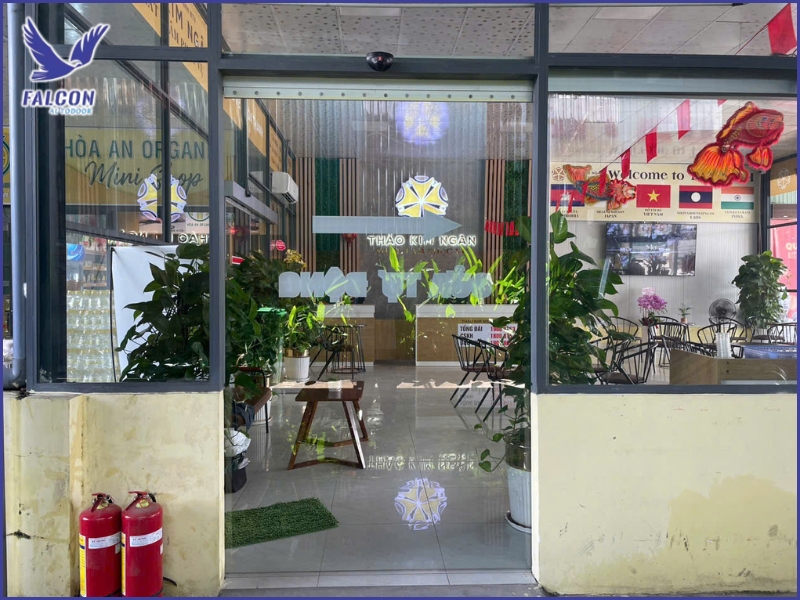
2. Causes of Continuous Error Notifications in Automatic Doors
Continuous error warnings in automatic doors while still functioning normally can be caused by multiple factors related to sensors, electrical systems, control boards, or environmental conditions, so identifying the exact cause is essential for effective troubleshooting and stable operation.
2.1 Sensor malfunction or signal interference
Automatic door sensors may be affected by dust, humidity, or strong lighting conditions, leading to inaccurate detection signals and continuous error alerts even when the door operates normally, which can gradually reduce system stability if not cleaned or adjusted properly.
2.2 Control board or electrical system errors
The control board is the central processing unit of the automatic door system, so minor faults such as unstable components, inconsistent power supply, or signal transmission errors can trigger continuous error warnings while the door still functions temporarily.
2.3 Dust or obstacles affecting sensors
During operation, dust, insects, or small obstacles may accumulate around sensors, causing incorrect detection signals and false error alerts, even though the automatic door system itself is not experiencing any serious mechanical or functional failure.
2.4 Incorrect configuration settings
Improper settings such as sensor sensitivity, door speed, or travel limits can cause the system to continuously generate error warnings, especially after installation or adjustments, leading to incorrect system interpretation of normal operational behavior.
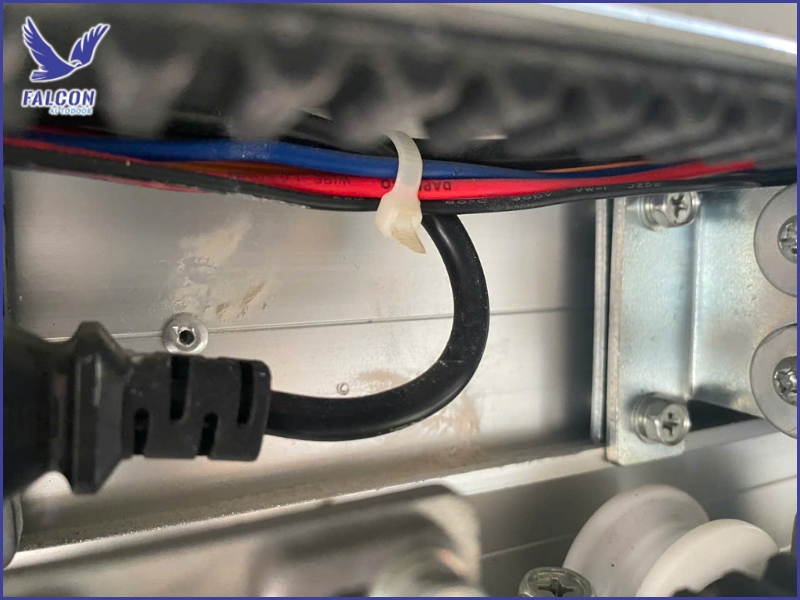
3. How to Fix Automatic Doors That Show Errors but Still Operate
When automatic doors continuously show error warnings but still operate normally, users should not ignore the issue and should perform basic step-by-step checks to identify the cause early and restore stable system performance while preventing potential long-term damage.
3.1 Check and clean sensors
Sensors should be inspected and cleaned to remove dust, moisture, or small obstructions that may interfere with signal detection, helping restore accurate sensing performance and reduce false error notifications during normal door operation.
3.2 Restart the control system
Turning the automatic door system off and restarting it can help clear temporary glitches or incorrect signals, allowing the system to reset and return to stable operation while reducing repeated error warnings during regular usage.
3.3 Check power supply and wiring connections
Inspect the power supply and all wiring connections to ensure there are no loose, unstable, or intermittent connections, as electrical issues are one of the most common causes of continuous error warnings even when the door still operates normally.
3.4 Reset or adjust system parameters
In some cases, resetting or recalibrating parameters such as sensor sensitivity, door speed, or travel limits can help restore accurate system performance and eliminate unnecessary error warnings that occur during normal operation.
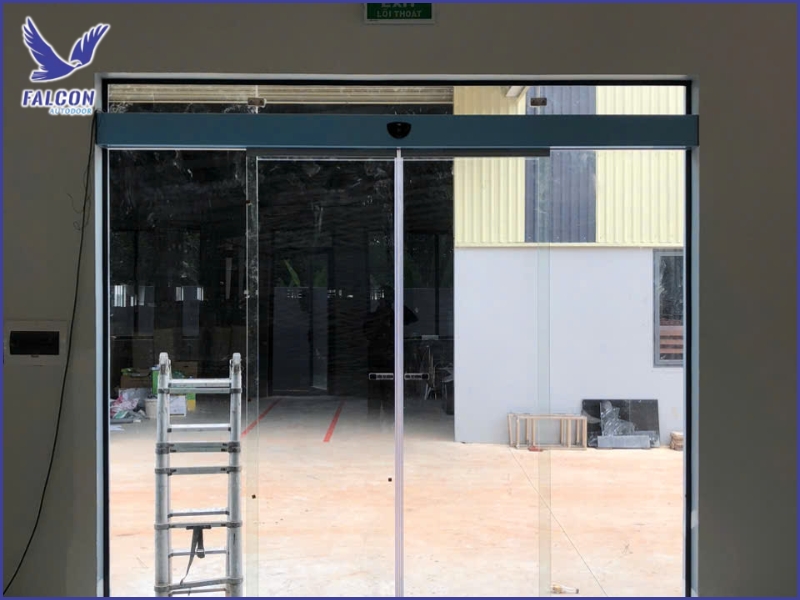
4. How to Prevent Continuous Error Warnings in Automatic Doors
To prevent automatic doors from continuously displaying error warnings while still operating normally, users should focus on regular maintenance, correct installation, and using high-quality components to ensure stable performance and minimize unnecessary system alerts.
4.1 Regular maintenance of automatic door systems
Routine maintenance helps detect early issues in sensors, motors, or control boards while also cleaning rails and components, ensuring stable system performance and significantly reducing the likelihood of continuous error warnings during operation.
4.2 Proper installation from the beginning
Automatic doors must be installed according to technical standards with correct alignment of sensors, rails, and control systems, as improper installation can cause signal deviations that lead to repeated error warnings despite normal door movement.
4.3 Using high-quality components and sensors
Using genuine and high-quality components helps ensure stable operation, reduces signal interference, and improves detection accuracy, thereby minimizing false error alerts and enhancing long-term system reliability and performance.
4.4 Periodic inspection by professional technicians
Regular inspection by professional technicians helps accurately evaluate system conditions, detect hidden issues early, and optimize operational settings, ensuring stable performance and reducing unnecessary error notifications over time.
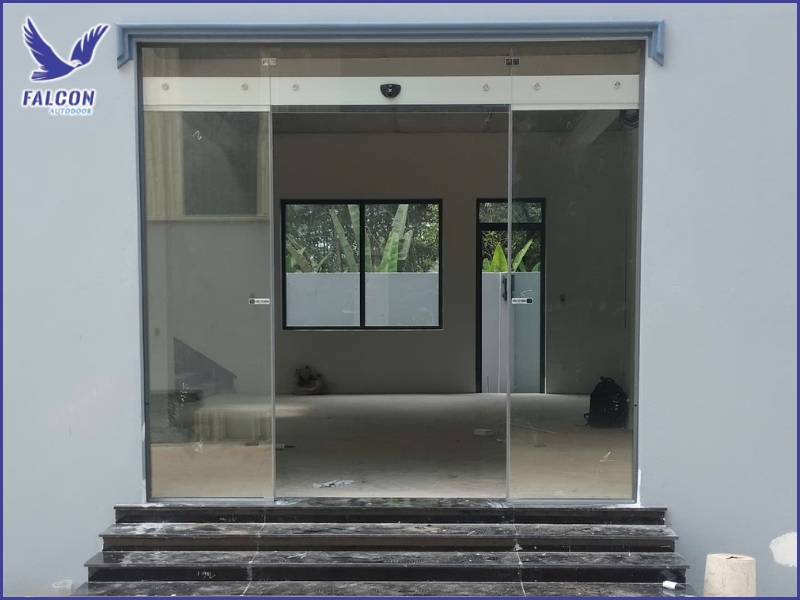
Continuous error notifications in automatic doors, even when the system is still operating normally, are early warning signs of potential hidden issues, so timely inspection and correction are essential to ensure long-term stability, safety, and durability of the system.
If you are experiencing continuous error warnings or need professional inspection and maintenance, please contact Thuy Linh Long for fast technical support and reliable solutions to ensure safe, stable, and accurate automatic door operation.
THUY LINH LONG SERVICES TRADING COMPANY LIMITED
DISTRIBUTOR
Address: 243D Vuon Lai Street, Phu Tho Hoa Ward, Tan Phu District,
Ho Chi Minh City, Vietnam.
Tel: +84 28 22497999
E-mail: cuatudong24h@gmail.com
SUPPLIER
KUM YANG MATERIALS CO.,LTD
Address: 124-60, Myeongdong-ro, Hallim-myeon,
Gimhae-si, Gyeongsangnam-do, 50851, Korea.
Tel: 82-55-345-8380


